Visual Storytelling Flow: Guiding Users Down the Page
Your page tells a story from top to bottom. Learn how to sequence information, use imagery strategically, and keep visitors scrolling with purpose.
What Makes Pages Stick Around
Here’s the thing: visitors don’t read pages. They scan them. And they’re deciding every 3-4 seconds whether to keep scrolling or hit the back button. Your job isn’t to cram everything at the top — it’s to create a visual journey that pulls them deeper with each section.
Visual storytelling flow isn’t some fancy design term. It’s the difference between a page that feels disconnected and scattered, and one that feels intentional. Every image placement, every headline, every transition matters. You’re literally choreographing how someone experiences your content.

The Three Core Principles
Visual storytelling flow works because it respects how people actually browse. You’re not fighting human behavior — you’re working with it.
Progressive Disclosure
Don’t dump everything at once. Start broad, get specific. Each section should answer a question the visitor just asked themselves. You introduce the concept, then show how it works, then prove it matters.
Visual Contrast & Rhythm
If every section looks identical, people stop noticing. Alternate between text-heavy and image-heavy. Switch your layouts. Use white space intentionally. The rhythm keeps them engaged.
Strategic Anchoring
Your images aren’t decoration. They’re anchors. A strong image stops the scroll, gives context, and makes the adjacent text feel more important. You’re literally directing where eyes go.
Structuring the Journey
Most landing pages fail because they treat every section the same. Text on left, image on right. Text on left, image on right. Boring. Your visitors notice the pattern and mentally check out.
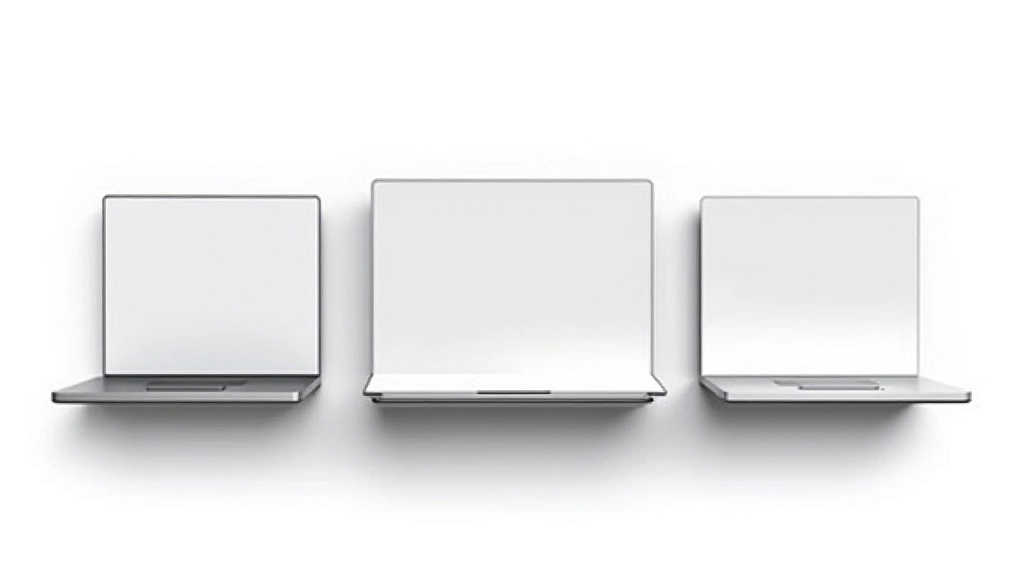
Strong pages alternate. First section: image dominates, small text overlay. Next: 50/50 split with text on the left. Then: full-width text with image below. Then: asymmetrical layout. You’re creating visual variety while maintaining clarity.
The key is that each layout change signals something new is coming. Your visitor’s brain registers “oh, this is a different type of content” and stays interested. It’s like the difference between watching a movie with cuts and transitions versus a single static shot for 10 minutes.
Practical Techniques That Work
Image Hierarchy
Largest images appear first. As visitors scroll, images get smaller or shift positioning. This creates a sense of progression without being obvious about it. You’re literally moving them through the page.
Headline Rhythm
Don’t make every headline the same length. Mix it up. Short punchy one, then a longer explanatory one. Short question, longer answer. The variety keeps eyes moving and prevents pattern blindness.
Directional Flow
Images with subjects facing right pull attention rightward. Facing left pulls left. A person looking down directs eyes down the page. You’re using composition to guide the actual eye movement.
Color Sequencing
Introduce accent colors gradually. First mention uses subtle color, second uses stronger color, third uses your primary accent. By the time you reach the CTA, that color feels powerful because they’ve seen it build.
Negative Space
Empty space isn’t wasted space. It’s breathing room. Sections with generous margins and padding feel more premium. Cramped sections feel cheap. You’re controlling the pace by controlling whitespace.
Visual Connectors
A subtle line, an arrow, or a repeated shape between sections creates continuity. It tells visitors “there’s more below” without being heavy-handed. You’re literally connecting the dots for them.
Putting It Together
Here’s how this actually works in practice. You’ve got a landing page for a service or product. The visitor lands on the hero. Large image, bold headline, clear value proposition. They’re not reading yet — they’re scanning.
Scroll one: you introduce the problem with a smaller image and some supporting text. Now they’re getting interested. Scroll two: you show the solution with a different layout — maybe a full-width image or a side-by-side comparison. Different structure signals “new information coming.”
By scroll three or four, they’ve built mental momentum. The story’s been pulling them down. You introduce social proof with images of real people or results. Then you ask them to take action. They’ve already invested attention, so the ask doesn’t feel abrupt — it feels like the natural next step in the story you’ve been telling.
The Real Skill
Visual storytelling flow isn’t about flashy design. It’s about respect. You’re respecting how your visitor actually behaves online. You’re respecting their attention span. You’re respecting the fact that they’re scanning, not reading.
The pages that convert aren’t the prettiest ones. They’re the ones that feel intentional. Every element — image placement, section layout, headline structure — has a purpose. They’re guiding visitors without forcing them. That’s the real skill, and it’s learnable.
About This Article
This article provides educational information about landing page design principles and visual storytelling techniques. The methods and approaches described are based on common design practices and user experience principles. Results vary based on specific context, audience, industry, and implementation. This content is informational only and shouldn’t replace professional design consultation or testing in your specific situation. Always test design changes with your actual audience before full implementation.